
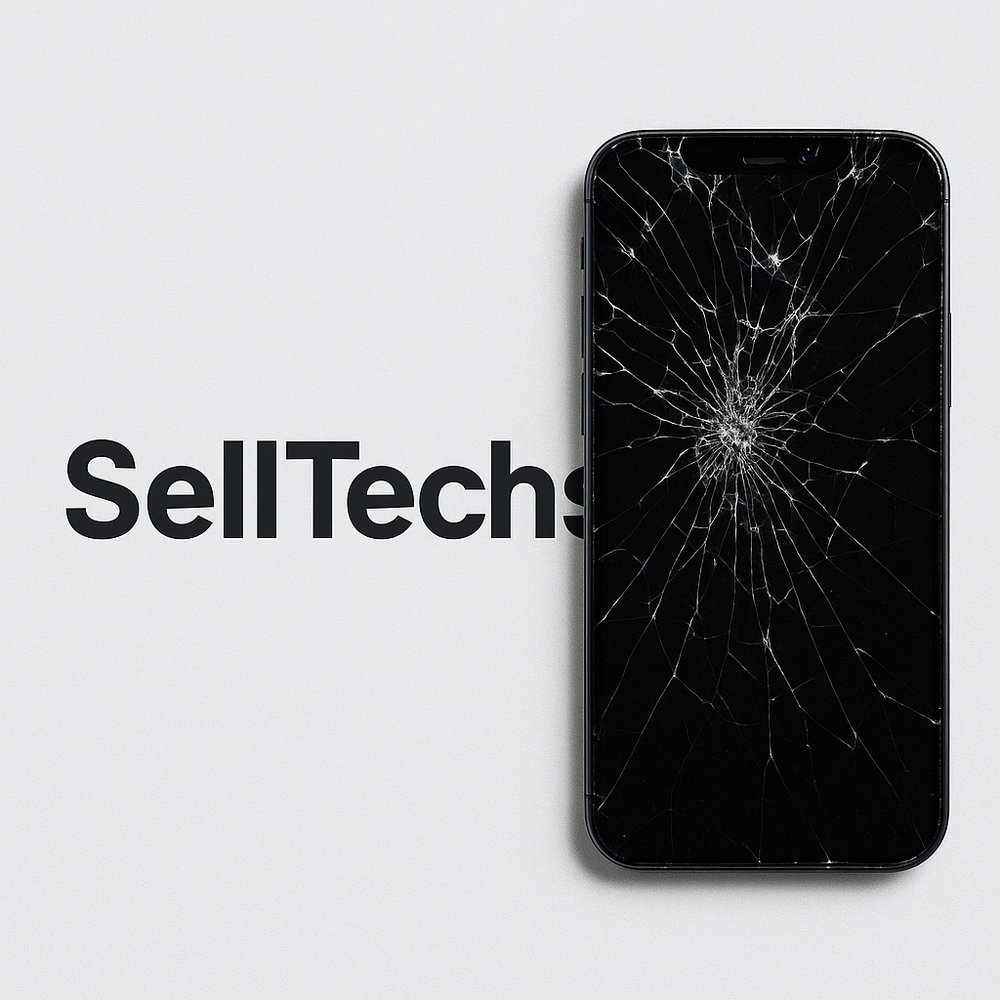
A cracked iPhone still has value. Whether the screen is shattered, the back glass is broken or the phone won't turn on at all, you can sell it to Sell Techs for cash. This guide explains what affects the price, whether it is worth repairing first, and how to get your broken iPhone ready to send.
Can I sell an iPhone with a cracked screen?
Yes. We buy every iPhone model from the iPhone 6 to the latest iPhone 18 Pro Max, and we offer a price in good, poor and broken condition. A cracked screen, cracked back glass, a damaged camera lens, a weak battery or a phone that won't switch on all count as broken. You don't need to fix anything before you sell.
What affects the price of a broken iPhone?
- The model and storage. Newer models are worth more, even when damaged. A broken iPhone 17 Pro is usually worth more than a working iPhone that is several years older.
- The extent of the damage. Choose the condition that matches your phone honestly. Our condition guide explains what good, poor and broken mean.
- Activation Lock. We can only buy iPhones that have Find My turned off. A phone still locked to an Apple Account can't be used by anyone else, so it can't be priced.
You can see your exact offer on our iPhone page. Once you accept, your price is locked for 14 days.
Should I repair my iPhone before selling it?
Usually not. A screen or back glass repair can cost a large share of what the phone is worth, and the difference between our broken and good prices is often smaller than the repair bill. Get our price for both conditions first and compare it with a repair quote. If the repair costs more than the difference, sell it as it is.
How to prepare a broken iPhone for sale
- Back up your data. If the screen still works, back up to iCloud or a computer. If it doesn't, try connecting it to a Mac or PC with a cable, as your iPhone may still back up.
- Turn off Find My. On the phone, go to Settings, tap your name, then Find My > Find My iPhone and switch it off. If the screen doesn't work, sign in at icloud.com/find on another device, choose your iPhone and select Remove This Device.
- Erase the iPhone. Go to Settings > General > Transfer or Reset iPhone > Erase All Content and Settings. See our full iPhone reset guide.
- Remove your SIM card. If you use an eSIM, you can delete it while erasing the phone.
- Protect the broken glass. Cover cracked glass with clear tape so no pieces come loose, then pack the phone in a strong box. See our packing tips.
How to sell your broken iPhone
- Find your model on our iPhone page and choose its storage, network and condition.
- We email you a free Royal Mail Tracked 48 label or QR code, with cover up to £150. You can also book a doorstep collection.
- We test your iPhone when it arrives. If it doesn't match the condition you chose, we will email you a revised offer, which you can accept or decline.
- We pay you the same day we test it, by bank transfer, PayPal or cheque.
Not sure which iPhone you have?
Go to Settings > General > About to see the model name. If the screen doesn't work, the model number is printed on the SIM tray of newer iPhones, or on the back of older ones. Our guide to finding your iPhone model explains every option.
Before you send it
- Turn off Find My and sign out of your Apple Account.
- Back up, then erase all content and settings. See how.
- Remove your SIM or eSIM.
- Pack it well. Packing tips.
iPhones: your questions answered
How much do you pay for iPhones?
It depends on the exact model, storage and condition. Choose your model on our iPhones page to see your offer in about 30 seconds. Your price is then locked for 14 days.
What condition does it need to be in?
Choose the condition that best matches your device when you get your price. Our condition guide explains what each one means. We test every device when it arrives and check it against the condition you chose.
How do I send it to you?
Postage is free. After you complete your sale, we email you a Royal Mail Tracked 48 label or QR code, which includes cover up to £150 under Royal Mail terms. You can also book a doorstep collection. See postage and collection and our packing tips.
How and when do I get paid?
Choose bank transfer, PayPal or cheque. We pay the day we test your device. See payments for details.
What should I do before I send it?
Back up your data, sign out of your accounts and reset the device to factory settings. Follow our step-by-step guide. Remove any SIM or memory card.