
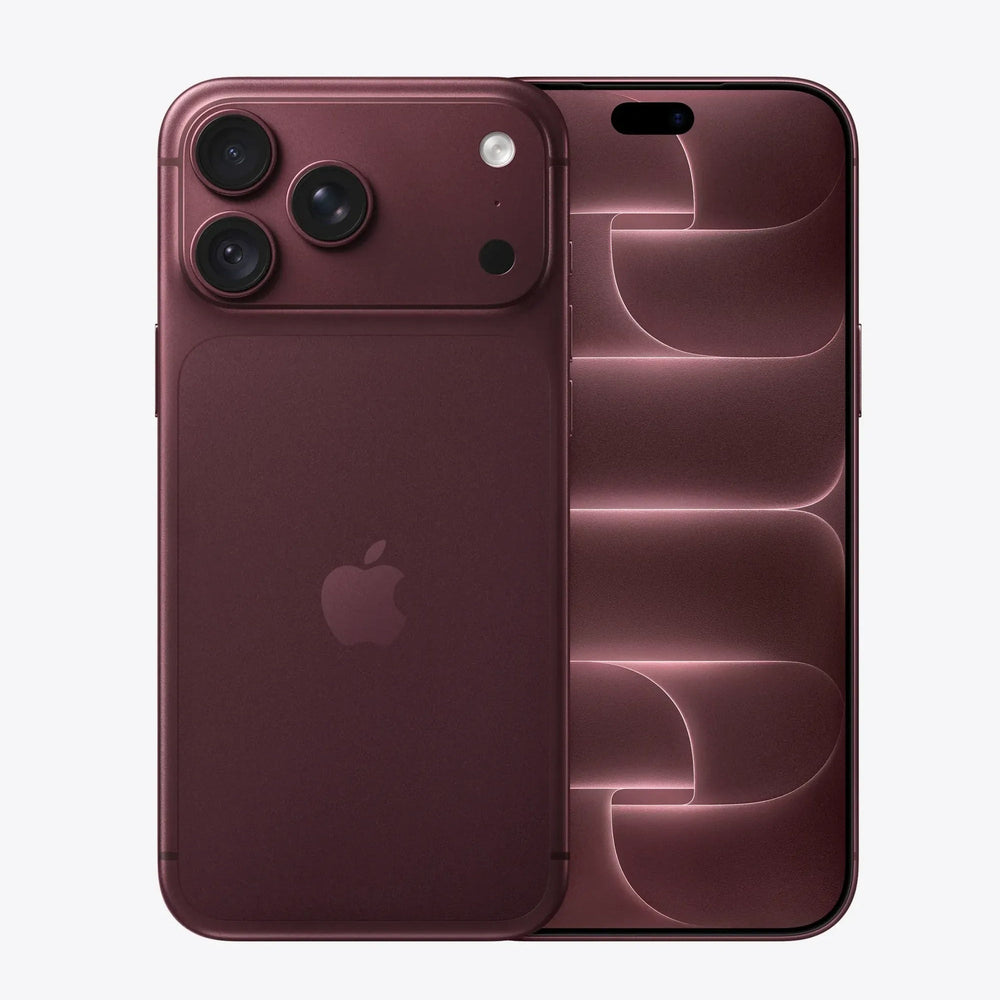
Our prices depend on the exact model and storage, so it is worth checking before you get a quote. Your iPhone tells you exactly which model it is.
Check in Settings
- Open Settings > General > About.
- Model Name shows the model, for example iPhone 16 Pro.
- Capacity shows the storage, for example 256 GB.
- Tap Model Number once to see the number that starts with A. This confirms the exact model.
If the iPhone will not turn on
On iPhone 8 and later, the model number is printed inside the SIM tray slot. You can also find the model and serial number on the original box, or by signing in to your Apple Account at appleid.apple.com and opening Devices.
iPad, Mac and Apple Watch
- iPad: Settings > General > About.
- Mac: Apple menu > About This Mac.
- Apple Watch: on the watch, Settings > General > About, or in the Watch app on your iPhone.
Still not sure? Our Find your model page covers Samsung and other brands too.
Ready to sell?
Once you know your model, see today's price on our iPhone page. Before you send it, follow our guide on how to reset your iPhone.
Before you send it
- Turn off Find My and sign out of your Apple Account.
- Back up, then erase all content and settings. See how.
- Remove your SIM or eSIM.
- Pack it well. Packing tips.
iPhones: your questions answered
How much do you pay for iPhones?
It depends on the exact model, storage and condition. Choose your model on our iPhones page to see your offer in about 30 seconds. Your price is then locked for 14 days.
What condition does it need to be in?
Choose the condition that best matches your device when you get your price. Our condition guide explains what each one means. We test every device when it arrives and check it against the condition you chose.
How do I send it to you?
Postage is free. After you complete your sale, we email you a Royal Mail Tracked 48 label or QR code, which includes cover up to £150 under Royal Mail terms. You can also book a doorstep collection. See postage and collection and our packing tips.
How and when do I get paid?
Choose bank transfer, PayPal or cheque. We pay the day we test your device. See payments for details.
What should I do before I send it?
Back up your data, sign out of your accounts and reset the device to factory settings. Follow our step-by-step guide. Remove any SIM or memory card.