
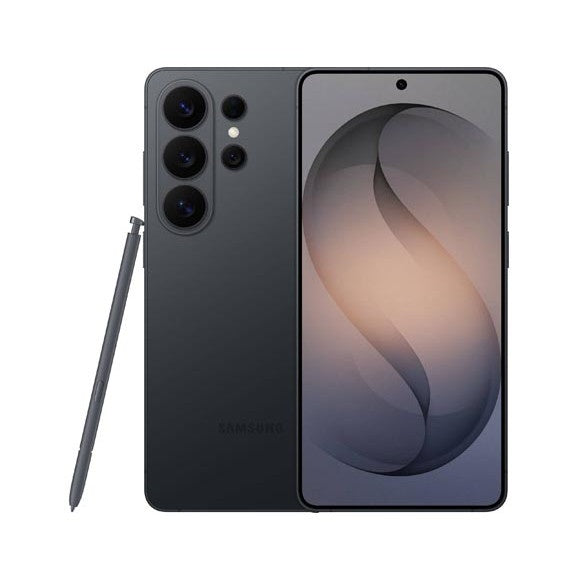
Before you sell a Samsung Galaxy phone or tablet, remove your Google account, sign out of your Samsung account and do a factory reset. If you skip the first two steps, the phone stays locked to you after the reset (this is called Factory Reset Protection), and we cannot test or resell it until it is unlocked.
1. Back up your Galaxy
Go to Settings > Accounts and backup. Use Back up data for Samsung Cloud, or Google One backup for your photos, contacts and apps. Smart Switch can also copy everything to a new phone.
2. Remove your Google account
- Open Settings > Accounts and backup > Manage accounts.
- Tap your Google account, then Remove account.
- Repeat for any other Google accounts on the phone.
3. Sign out of your Samsung account
Go to Settings, tap your name at the top, scroll down and tap Sign out. Enter your password to confirm. This also turns off Find My Mobile.
4. Factory reset
- Open Settings > General management > Reset.
- Tap Factory data reset, then Reset.
- Enter your PIN or pattern and tap Delete all.
When the phone restarts on the welcome screen, it is ready to send.
5. Remove your SIM and memory card
Use the SIM tool to take out your SIM and any microSD card. Remove your case and screen protector unless they are part of the sale.
Other Android phones
Google Pixel, OnePlus, Xiaomi, Honor and Motorola phones work the same way: remove your Google account under Settings > Passwords and accounts (or Accounts), then reset from Settings > System > Reset options.
Ready to sell?
See today's prices for Samsung Galaxy and all other phones. Postage is free, and you can choose bank transfer, PayPal or cheque.
Before you send it
- Remove your Google account and any Samsung account.
- Back up, then do a factory reset. See how.
- Remove your SIM and memory card.
- Pack it well. Packing tips.
Samsung: your questions answered
How much do you pay for Samsung?
It depends on the exact model, storage and condition. Choose your model on our Samsung page to see your offer in about 30 seconds. Your price is then locked for 14 days.
What condition does it need to be in?
Choose the condition that best matches your device when you get your price. Our condition guide explains what each one means. We test every device when it arrives and check it against the condition you chose.
How do I send it to you?
Postage is free. After you complete your sale, we email you a Royal Mail Tracked 48 label or QR code, which includes cover up to £150 under Royal Mail terms. You can also book a doorstep collection. See postage and collection and our packing tips.
How and when do I get paid?
Choose bank transfer, PayPal or cheque. We pay the day we test your device. See payments for details.
What should I do before I send it?
Back up your data, sign out of your accounts and reset the device to factory settings. Follow our step-by-step guide. Remove any SIM or memory card.