
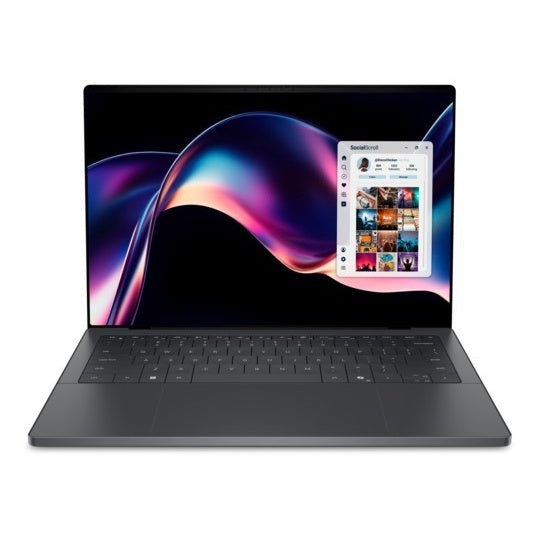
We buy laptops from every major brand, from the latest models to older machines, working or broken. Find your exact model, see your price straight away and get paid by bank transfer or PayPal the day we test it.
Brands we buy
- Dell: XPS, Dell Pro, Precision, Latitude and Inspiron
- HP: EliteBook, ZBook, Spectre, Envy and OmniBook
- Lenovo: ThinkPad, Yoga, Legion and IdeaPad
- ASUS: Zenbook, ProArt, ROG and TUF
- MSI: Raider, Titan, Stealth and Prestige
- Microsoft Surface Laptop and Surface Pro
- Apple MacBook Air, MacBook Pro and MacBook Neo
Can't see your model? Browse all laptops or call us on 020 7070 8222.
What sets the price
- Model and year: the exact model name and processor matter most. You will find them on the sticker underneath, or in Settings > System > About on Windows.
- Memory and storage: more RAM and a bigger SSD are worth more.
- Condition: choose Good, Poor or Broken. Our condition guide explains each one. Cracked screens and faulty keyboards still have value.
- Charger: include the original charger if you still have it.
Before you send it
- Back up your files.
- On Windows, turn off Find my device and sign out of your Microsoft account. If BitLocker is on, make sure you can still sign in, then reset the laptop: Settings > System > Recovery > Reset this PC > Remove everything.
- Remove any BIOS or startup password.
- On a MacBook, follow our guide to erase your Mac.
- Company laptops must be released from device management first. See our guide to selling company laptops.
Sending it to us
Postage is free. After you complete your sale, we email you a Royal Mail Tracked 48 label or QR code, which includes cover up to £150 under Royal Mail terms. You can also book a doorstep collection. If your laptop is worth more than £150, please send it by Royal Mail Special Delivery Guaranteed (ask the Post Office for cover up to its full value) or your own insured courier, and keep your receipt. See postage and collection and our packing tips.
Selling more than a few?
We also buy laptops in bulk from businesses, schools and charities. Visit our business page for an itemised quote.
Before you send it
- Sign out of every account on the device.
- Back up, then do a factory reset.
- Remove any SIM or memory card.
- Pack it well. Packing tips.
Laptop: your questions answered
How much do you pay for Laptop?
It depends on the exact model, storage and condition. Choose your model on our Laptop page to see your offer in about 30 seconds. Your price is then locked for 14 days.
What condition does it need to be in?
Choose the condition that best matches your device when you get your price. Our condition guide explains what each one means. We test every device when it arrives and check it against the condition you chose.
How do I send it to you?
Postage is free. After you complete your sale, we email you a Royal Mail Tracked 48 label or QR code, which includes cover up to £150 under Royal Mail terms. You can also book a doorstep collection. See postage and collection and our packing tips.
How and when do I get paid?
Choose bank transfer or PayPal. We pay the day we test your device. See payments for details.
What should I do before I send it?
Back up your data, sign out of every account and reset the device to factory settings. Remove any SIM or memory card, and pack it well.