
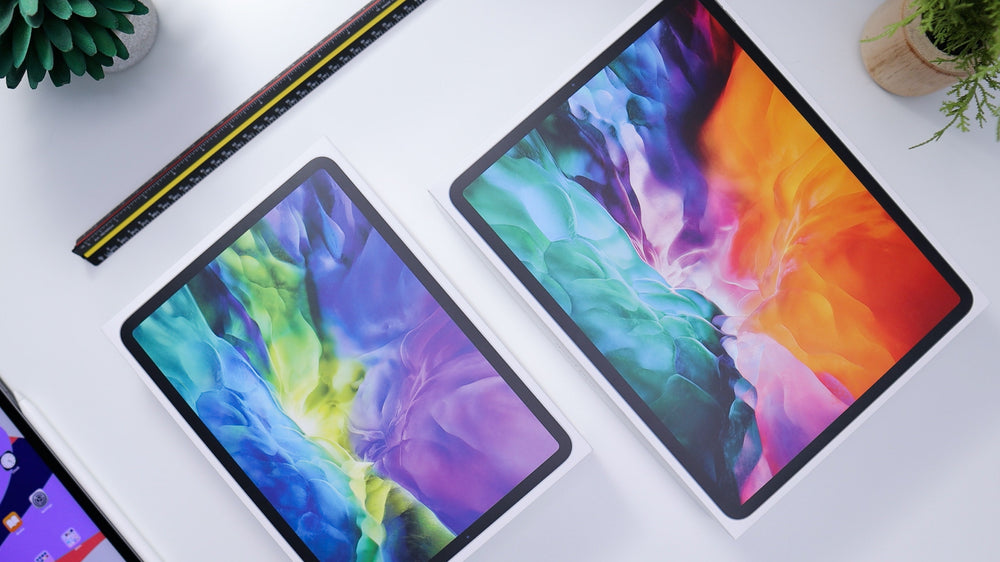
To get the right price when you sell your iPad, you need to know the exact model. Apple has made more than 30 iPad models, and many look almost the same. This guide shows you how to find yours in a minute, even if it won't turn on.
Find your iPad model in Settings
- Open Settings.
- Tap General, then About.
- Look at Model Name, for example iPad Air 11-inch (M3), and Capacity for the storage.
If Cellular Data appears in Settings, your iPad is a Wi-Fi + Cellular model.
Find your model if your iPad won't turn on
Turn the iPad over. The model number is printed in small text on the back, and starts with A, for example A2588. Search for it on Apple's website to see the model name.
Quick ways to tell iPads apart
- Home button: the iPad (9th generation and earlier), iPad Air 2 and 3rd generation, iPad mini 5 and earlier, and iPad Pro 9.7-inch, 10.5-inch and the first two 12.9-inch models.
- No Home button, Face ID: iPad Pro 11-inch and 12.9-inch from 2018 onwards, and the iPad Pro 13-inch.
- No Home button, Touch ID in the top button: iPad Air 4th generation and later, iPad mini 6th generation and later, and iPad (10th generation) and iPad (A16).
- M-chip models show the chip in the name, for example iPad Pro 13-inch (M5).
Our guides by iPad range
- iPad Pro, from the 9.7-inch to the latest M5 models
- iPad Air, from the iPad Air 2 to the M4 models
- iPad mini, from the iPad mini 4 to the A17 Pro model
- iPad, including the iPad (A16)
Ready to sell?
Choose your model on our iPad page to see your price straight away. Before you send it, turn off Find My and erase it using our reset guide. Postage is free with cover up to £150, and we pay the same day we test it.
Before you send it
- Turn off Find My and sign out of your Apple Account.
- Back up, then erase all content and settings. See how.
- Remove your SIM or eSIM.
- Pack it well. Packing tips.
Apple iPad: your questions answered
How much do you pay for Apple iPad?
It depends on the exact model, storage and condition. Choose your model on our Apple iPad page to see your offer in about 30 seconds. Your price is then locked for 14 days.
What condition does it need to be in?
Choose the condition that best matches your device when you get your price. Our condition guide explains what each one means. We test every device when it arrives and check it against the condition you chose.
How do I send it to you?
Postage is free. After you complete your sale, we email you a Royal Mail Tracked 48 label or QR code, which includes cover up to £150 under Royal Mail terms. You can also book a doorstep collection. See postage and collection and our packing tips.
How and when do I get paid?
Choose bank transfer or PayPal. We pay the day we test your device. See payments for details.
What should I do before I send it?
Back up your data, sign out of your accounts and reset the device to factory settings. Follow our step-by-step guide. Remove any SIM or memory card.