
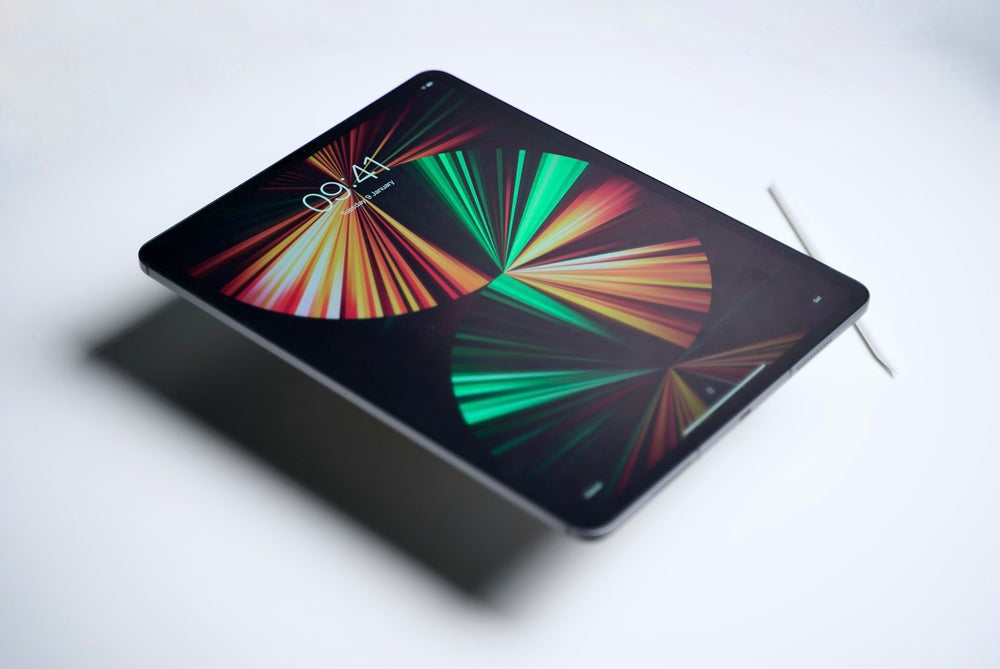
Short answer: your iPad is worth what a buyer will pay for your exact model, storage, connection and condition today. The quickest way to find out is to choose your model on our iPad price list. You see our price straight away, and once you accept it is locked for 14 days.
What changes the price of an iPad?
- Model and chip. Newer iPads are worth the most. An iPad Pro with the M5 chip or an iPad Air with M4 is worth far more than an older iPad.
- Storage. More storage means a higher price.
- Wi-Fi or Cellular. Cellular models, which take a SIM, are usually worth more than Wi-Fi only models.
- Condition. A cracked screen, dents or a weak battery lower the price. Our condition guide explains each grade.
- Find My. An iPad still linked to an Apple Account can't be resold, so turn off Find My before you send it.
How to check your model and storage
Go to Settings > General > About. You will see the model name and capacity. The model number starting with A is also printed on the back. Our find your model page has an iPad finder to help.
What your iPad is worth, range by range
- iPad Pro: see the iPad Pro price list.
- iPad Air: see the iPad Air price list.
- iPad mini: see the iPad mini price list.
- iPad: see the full iPad price list.
For step-by-step help, see our iPad selling guide.
How to get the most for your iPad
- Choose the right model, storage and condition, honestly, so your offer stays the same when we test it.
- Back it up, turn off Find My and erase it from Settings > General > Transfer or Reset iPad.
- Include the charger and Apple Pencil if you are selling them too. We buy Apple Pencil separately.
- Send it free, or book a doorstep collection anywhere in the UK.
Can I sell a broken iPad?
Yes. We give a price for poor and broken iPads too, including cracked screens. See our broken iPad page. We can't buy iPads that are iCloud locked or blocked.
Before you send it
- Turn off Find My and sign out of your Apple Account.
- Back up, then erase all content and settings. See how.
- Remove your SIM or eSIM.
- Pack it well. Packing tips.
Apple iPad: your questions answered
How much do you pay for Apple iPad?
It depends on the exact model, storage and condition. Choose your model on our Apple iPad page to see your offer in about 30 seconds. Your price is then locked for 14 days.
What condition does it need to be in?
Choose the condition that best matches your device when you get your price. Our condition guide explains what each one means. We test every device when it arrives and check it against the condition you chose.
How do I send it to you?
Postage is free. After you complete your sale, we email you a Royal Mail Tracked 48 label or QR code, which includes cover up to £150 under Royal Mail terms. You can also book a doorstep collection. See postage and collection and our packing tips.
How and when do I get paid?
Choose bank transfer, PayPal or cheque. We pay the day we test your device. See payments for details.
What should I do before I send it?
Back up your data, sign out of your accounts and reset the device to factory settings. Follow our step-by-step guide. Remove any SIM or memory card.